
How to Make a Rap Video on iPhone: Film It or Use AI
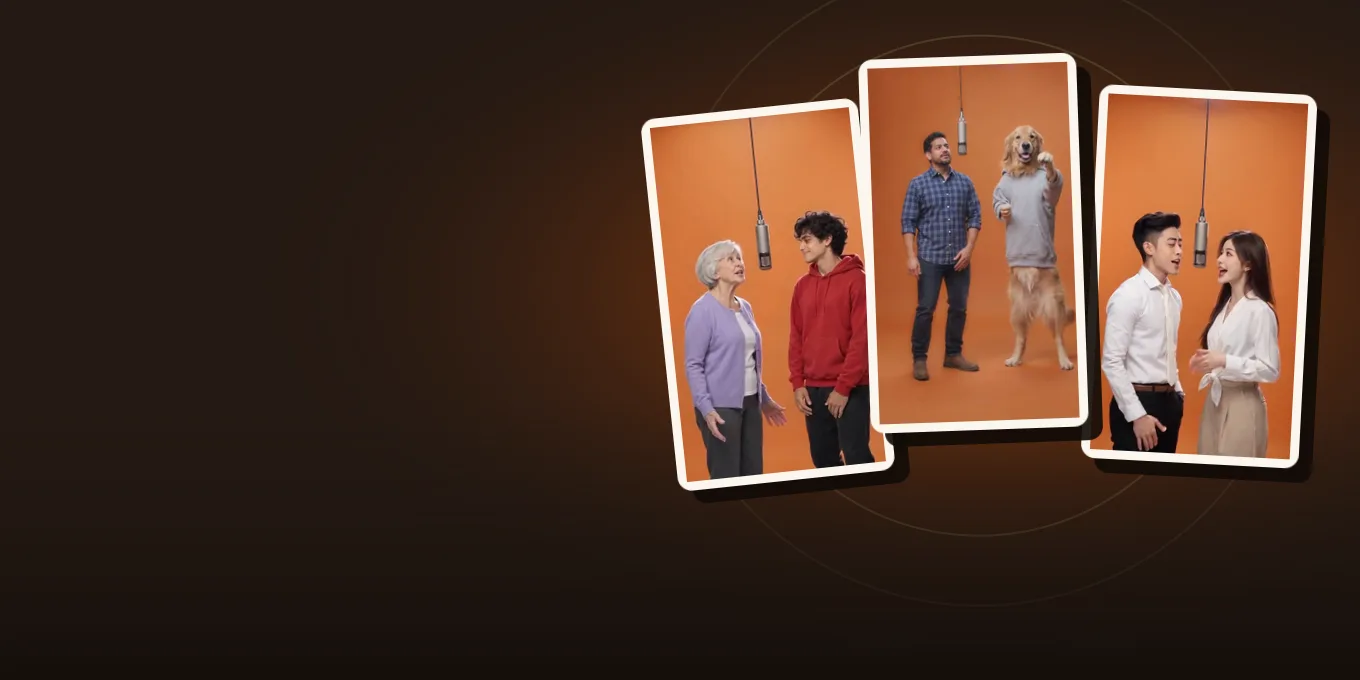
You can make a rap video on an iPhone two ways. Film it: play the track out loud, record three to five lip-sync takes with the back camera, shoot a few extra shots, and cut it all to the audio in iMovie or CapCut. Or skip the shoot: in Safari, turn a photo of you and one of a friend into an AI video of the two of you rapping, with no app to install.
The AI route runs on Hotel Lobby Video (rapaivideo.net) in Safari, takes photos straight from your library (HEIC included) and gives you an MP4 you can save to Photos. A 12-second video on Wan 3.0 at 480p is 6 credits.
Updated
IPHONE · RAP VIDEO
Film it or use AI
- Which way
- Film it
- AI in Safari
Which way suits your video
| Film it | AI from photos | |
|---|---|---|
| You need | The song, a spot, people on camera | One photo per person, or one of you both |
| Time | An afternoon | Usually 5 to 15 minutes per clip |
| Length | The whole song | 5, 8, 10, 12 or 15 seconds per clip |
| Cost | Free with iMovie | 6 credits for 12 seconds |
| Best for | Your own music, a real performance | A joke, a gift, a trend, friends far apart |
Many artists do both: film the verse, then add an AI clip of a friend for the hook.
Works in Safari
Make it on your iPhone
Two photos from your library, or one of you both. 12 seconds on Wan 3.0 for 6 credits.
Your two performers
A clear, well-lit photo works best. Two photos put two people side by side.
Choose the stage
Video settings
What should they rap about?
Ready in about 3 minutes; failed generations return your credits. View pricing
Film it yourself
- Set the camera to 4K or HD at 24 or 30 fps; Apple lists the switches in video recording settings. Keep one frame rate for every take.
- Wipe the lens, use the back camera and steady the phone at chest height.
- Play the track from a second phone or speaker and rap the whole song along with it, three to five times, from different spots.
- Shoot extra shots with no lip sync: your hands, the street, the crew, the sky.
- Edit in iMovie or CapCut: put the clean audio file under everything, line every take up to it, and cut on the beat.
Shots, angles and editing for a music video filmed on a phoneby MIKE THE CREATOR · Watch on YouTube
Clips by other creators. Press play to watch here; the player comes from the platform the clip was posted on.
Make an AI rap video in Safari
- Open rapaivideo.net in Safari and scroll to the generator.
- Tap Add photo, choose from your library, and add a second photo for your friend. One photo of you both works with One photo.
- Under Video & sound, pick 9:16 for TikTok and Reels, and the sound: the Hotel Lobby track, Your song, or an AI rap.
- Tap Create video and sign in with Google. You can lock the phone; the video waits in My videos.
- Tap Download MP4. Safari puts it in Files › Downloads.
- In Files, open the video, tap Share and choose Save Video to move it into Photos.
We tested these steps on an iPhone simulator with iOS 26.5; Apple explains where downloads go in Find downloads on iPhone. There is no free preview.
FAQ
How do I make a rap video on my iPhone?
Film lip-sync takes with the back camera while the track plays and cut them to the audio in iMovie or CapCut, or make an AI rap video from two photos in Safari.
Do I need an app for an AI rap video on iPhone?
No. Hotel Lobby Video runs in Safari; you pick photos from your library and download the MP4.
Where does the downloaded video go?
Into Files › Downloads. Open it, tap Share and choose Save Video to put it in Photos.
Can I use HEIC photos?
Yes. The editor converts each photo before upload.
What frame rate is best for a rap video?
24 or 30 fps. Keep one frame rate for every take so the cuts match.
Sources
Read next
How to Make a Hotel Lobby AI Video on Your Phone (No App)
The whole Hotel Lobby AI video in a phone browser, from camera-roll photos to saving the MP4 in Photos, with iPhone steps we tested
How to Make an AI Rap Video: Step by Step (2026)
Every step of making a rap video from photos, what each option does and costs, and common fixes
Hotel Lobby Video is an independent tool, not affiliated with Quavo, Takeoff, Migos, Quality Control Music, Motown or COLORS.