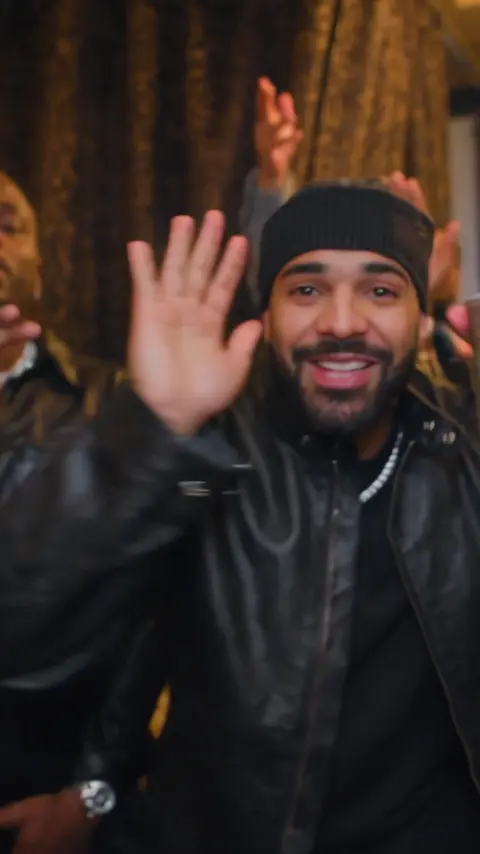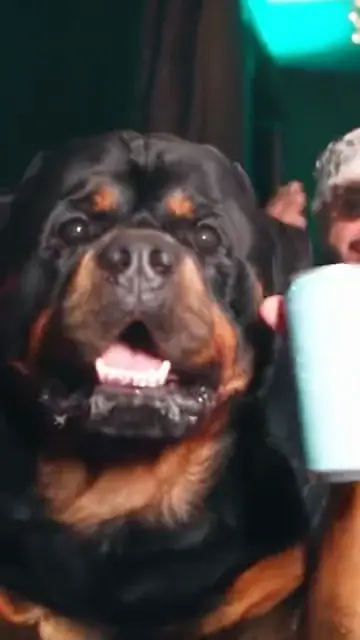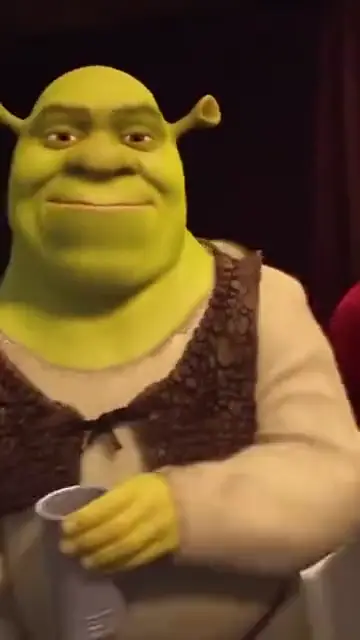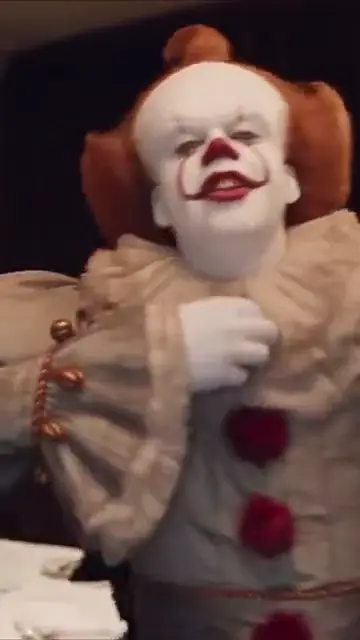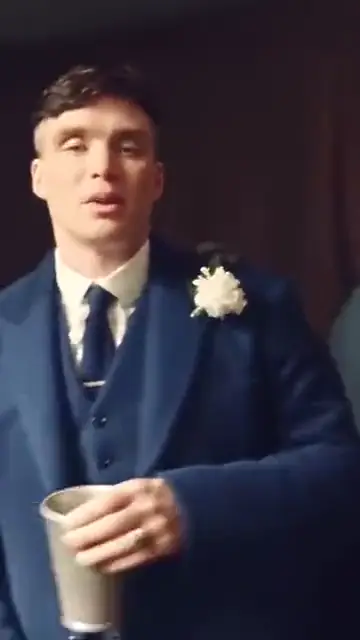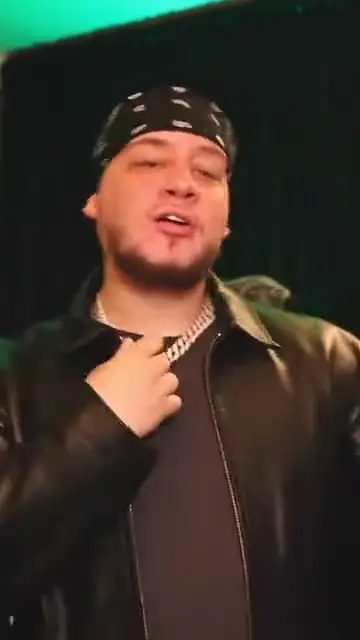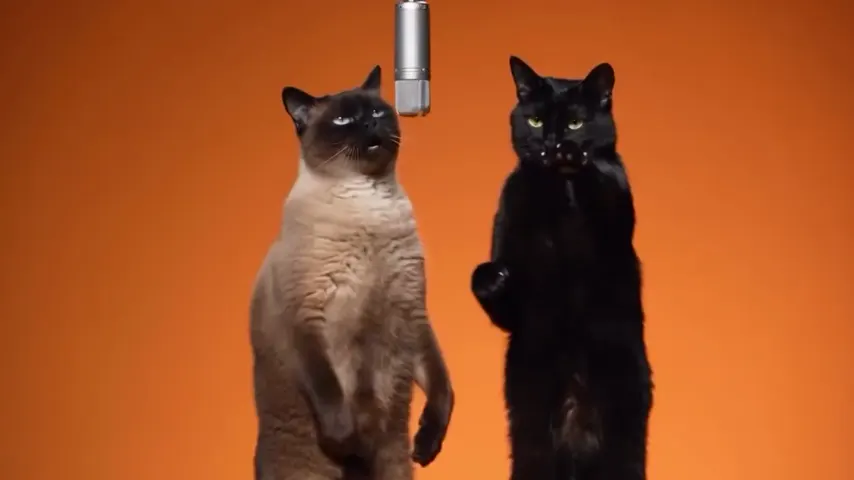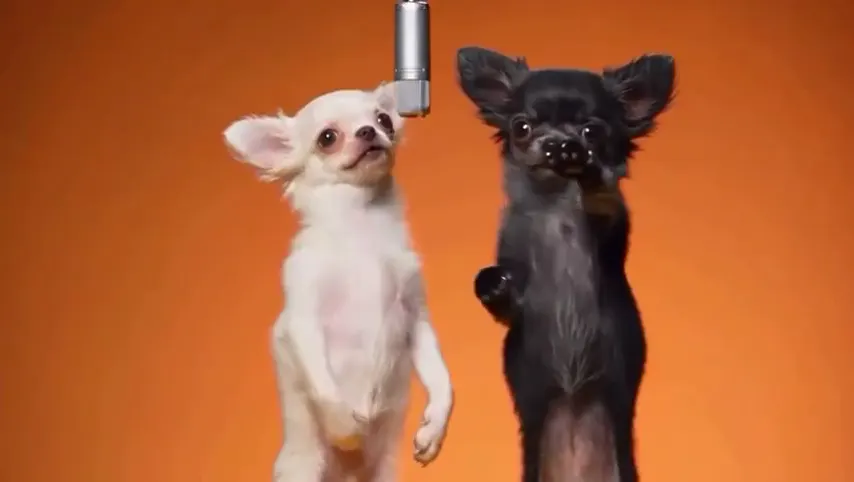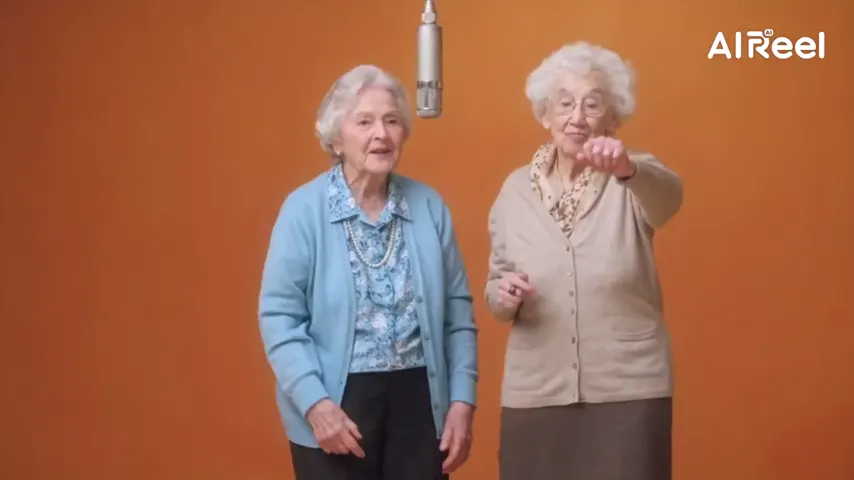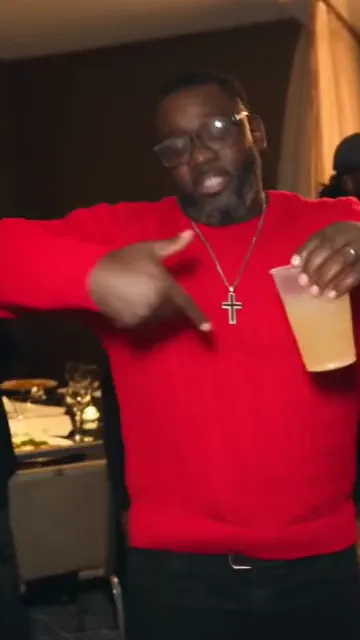
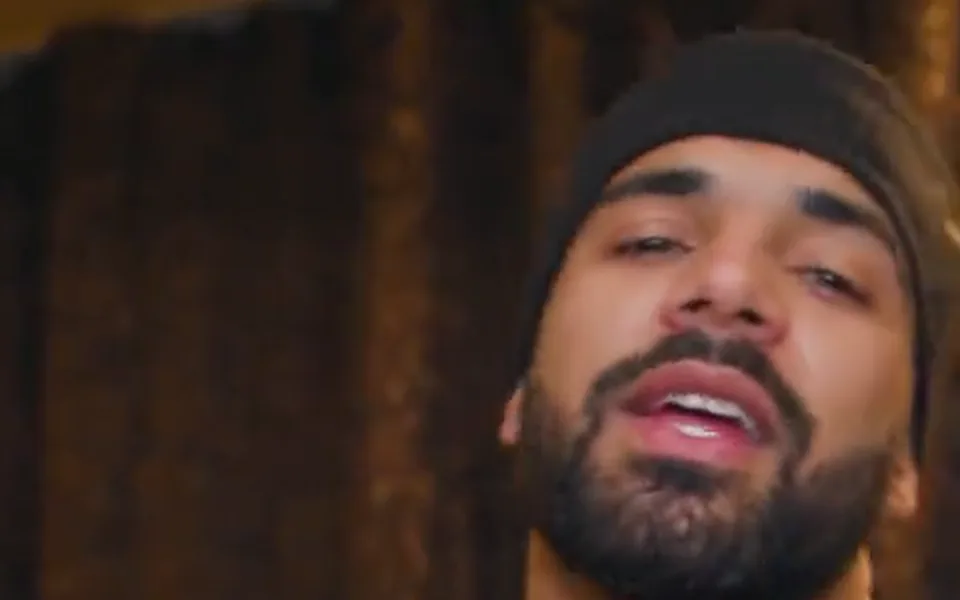
The party scene, move for move
The silver cup, the point at the guests, the wave, the swagger and the hand over the eyes, with the handheld camera of the video.
Drake’s chandelier party scene
Step into the Burning Bridges party: one photo, and you take the moves of the scene from Drake’s video, the silver cup, the point at the guests, the wave and the hand over the eyes, with the Burning Bridges song in the MP4. 15 seconds, vertical.
A clear, well-lit photo works best. Two photos put two people side by side.
Effects use one or two uploaded photos and the selected source effect. View pricing
Hotel Lobby Video (rapaivideo.net) makes the Drake Burning Bridges AI video from one photo: you take the moves and the camera of the chandelier party scene in the Burning Bridges music video, 15 seconds in 9:16 on Wan 3.0, and the downloaded MP4 comes with the matching 15 seconds of the song. It costs 7 credits at 480p or 12 at 720p; packs start at 10 credits for $9.99, a failed render is refunded, and a video takes about 5 to 15 minutes. There is no free preview.
Updated
The trend
Burning Bridges is a Drake song released on 15 May 2026, from his album Iceman; it reached number 13 on the Billboard Hot 100. In the Burning Bridges AI trend people put themselves into one scene of its video: a crowded wood-panelled room under crystal chandeliers, a silver cup, a point at the guests, a wave, and a flat hand held over the eyes as if looking for someone.
Here it is an effect in the generator: Burning Bridges under Effects. The video model never gets the music video itself, which providers refuse as input. It gets a fan’s live-action re-enactment of the party scene with the sound off, the matching 15 seconds of the song (2:42 to 2:57) so your mouth follows the words, and your photo twice: first redrawn as a full-length portrait for your body and clothes, then as it is for your face. The original recording goes back on the finished MP4.
This is not a voice tool. It does not make Drake, or anyone, sing new words in his voice: the sound is the real Burning Bridges recording, and the person on screen is you. For a song of your own, the AI rap generator writes and raps a new one about your topic.
Three steps
One clear photo of one person, face visible, no sunglasses. If the photo has friends in it, only the person who matches the portrait goes in the video.
It is always 15 seconds, 9:16, on Wan 3.0. It starts at 480p; pick 720p or 1080p and the price on the button follows.
It takes about 5 to 15 minutes. The MP4 has the Burning Bridges song in it, ready for TikTok or Reels.
What you get
The silver cup, the point at the guests, the wave, the swagger and the hand over the eyes, with the handheld camera of the video.
A warm banquet hall at night with crystal chandeliers, beige curtains and long white tables, guests laughing and clapping behind you.
The matching 15 seconds of Burning Bridges. Your lips follow it during the render, and the real recording is laid back over the finished file, so nothing is re-sung.
Your face comes from your photo and your clothes from its full-length redraw. The guests around you are strangers, not anyone from the video.
This clip is our test of 12 October 2026 with the first version of the effect: a black-and-white line drawing of the scene, Wan 3.0, 480p, 15 seconds, with the song added afterwards. The moves and the camera followed the scene beat for beat, but two things went wrong: the mouth did not follow the song, because the drawing carried no sound, and the person ended up in a dark party look instead of their own clothes.
Since 19 October 2026 the effect works differently: a fan’s live-action take replaces the drawing, the song goes in with it so the lips can follow, and your clothes come from a full-length redraw of your photo. We have not made a paid test with the new version on this site yet, so the clip below shows the old one.
Wan 3.0 · 480p · 15 s · 9:16
Six AI versions of the trend fans posted on TikTok, each credited to its creator and linked to the post; rest a mouse on one to play it. Below them, Drake’s official video: the dinner stretch the trend copies is near the end, from the silver cup to the hand over the eyes. None of these was made on this site.
TikTok posts by other creators, shown with credit and linked to the original. Hover to play; sound starts off.
Clips by other creators. Press play to watch here; the player comes from the platform the clip was posted on.
People search this trend with CapCut, Dreamina, Summrs and “free AI video generator”. Apps make it one of three ways: a face swap on the music video, a prompt that describes the party from scratch, or a model that follows the scene’s moves with a new person. This effect is the third, through a fan’s re-enactment of the scene, because providers refuse the music video itself as input. It is not free: this effect is paid with credits.
Made here
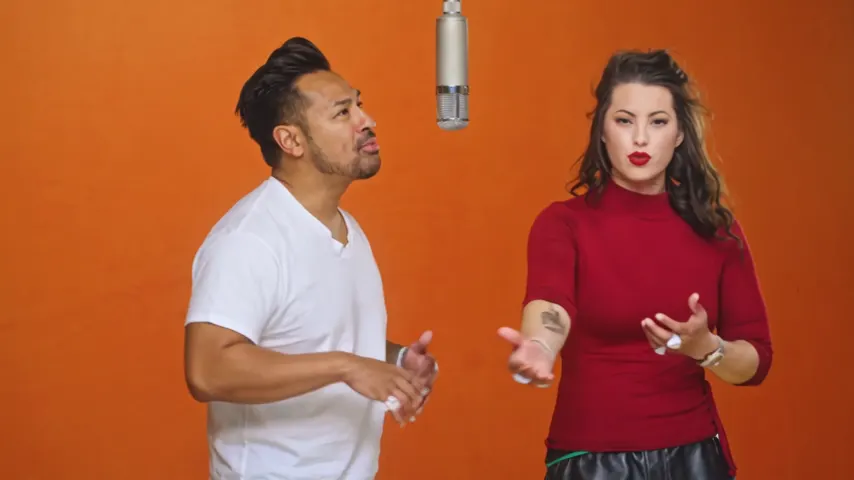
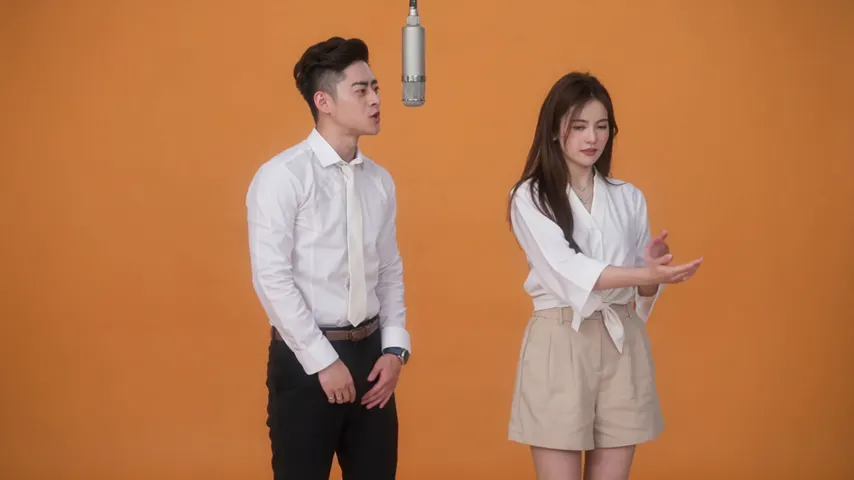
Two selected Wan 3.0 results from our generation workflow. Each rap duo video lists its settings and whether it was a product test or a website render. Play each clip with sound and review the whole performance; these examples do not establish a success rate.
Wan 3.0 · 480p · 10 s · 16:9
Wan 3.0 · 720p · 12 s · 16:9
From other creators
These clips illustrate the Hotel Lobby format and were made with other tools. They are references, not evidence of this generator’s output. Each links to its credited creator.
Add one photo, keep the effect selected and tap create. You get a 15-second vertical MP4 of you in the chandelier party scene, with the song.
Yes. The MP4 has the matching 15 seconds of the song, added after the video is rendered, so nothing is re-sung.
The model never sees his face: it follows a fan’s re-enactment of the scene, and your face comes from your photo. Results vary from render to render: a failed render is refunded, a finished one you do not like is not.
No. There is no voice cloning here. The sound is the real Burning Bridges recording; for a new song of your own, use the AI rap generator.
No. There is no free preview. 15 seconds cost 7 credits at 480p, 12 at 720p and 24 at 1080p. Credits are paid when you create; the smallest pack is 10 credits for $9.99, and a failed render is refunded automatically.
15 seconds, 9:16 for TikTok, Reels and Shorts. It takes about 5 to 15 minutes to make.
No. It takes one photo. For two people, the Hotel Lobby rap duo on the home page is made for two.
No. Hotel Lobby Video is an independent tool and is not affiliated with Drake, OVO or Republic Records.
Raise the silver cup
One photo, the party scene and the song. The price is shown before you create.