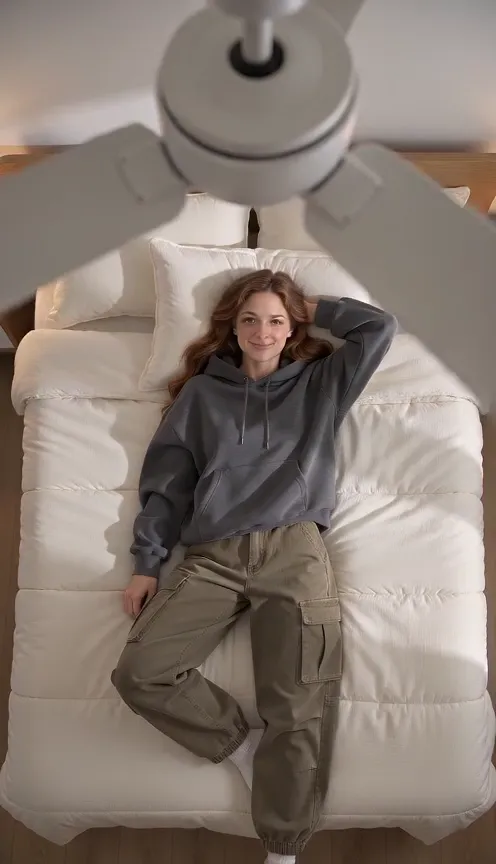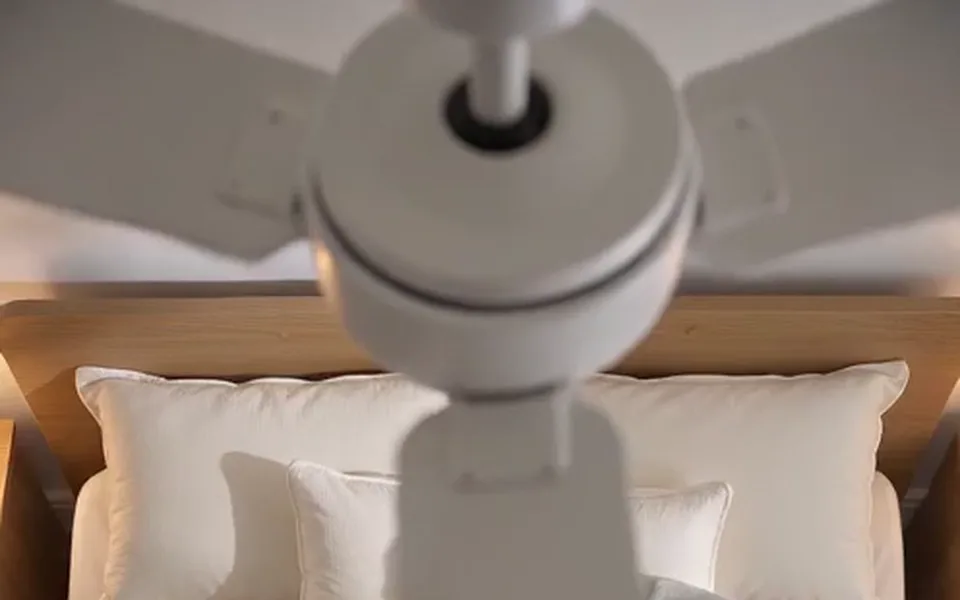
The fan, from above
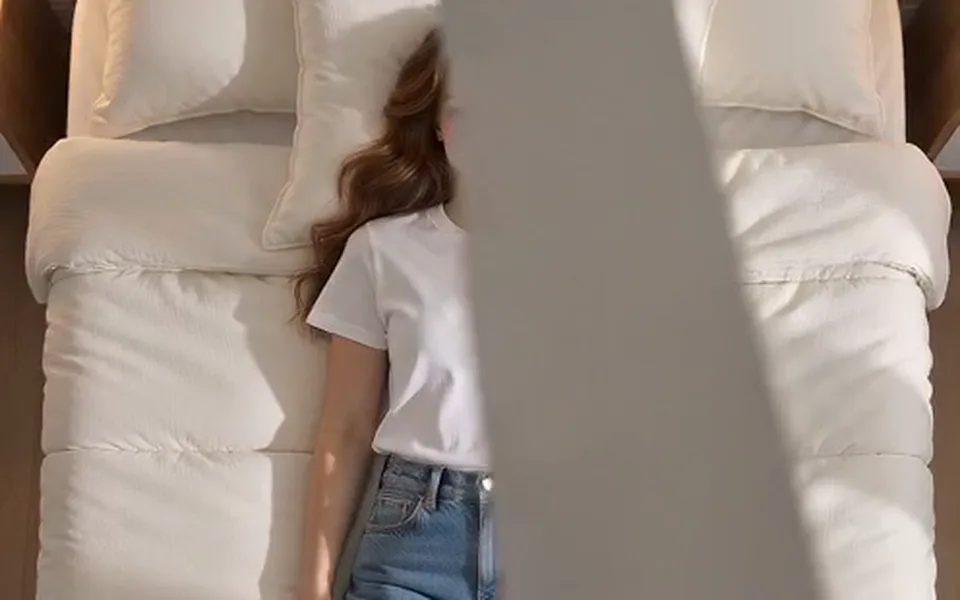
A white fan turning slowly over the camera, its blades sweeping across the edges of the frame.
The fan transition trend
One photo puts you on a made bed under a spinning ceiling fan, filmed from right above. Each time a blade sweeps across the lens, you are wearing something new: everyday, streetwear, formal, then a party look.
A clear, well-lit photo works best. Two photos put two people side by side.
Effects use one or two uploaded photos and the selected source effect. View pricing
Hotel Lobby Video (rapaivideo.net) makes the ceiling fan outfit change AI video from one photo: a top-down shot of you lying under a spinning ceiling fan, with a new outfit each time a blade passes the lens, from everyday clothes to a party look. A 5-second effect at 720p costs 4 credits; packs start at 10 credits for $9.99. There is no subscription. There is no free preview. The provider quotes up to about 5 minutes for a Seedance render.
Updated
The trend
The ceiling fan outfit change is a transition video: the camera looks straight down at someone lying under a fan, and every pass of a blade hides a cut to a new outfit. The Tab wrote about it in late September 2026 as a new AI trend on TikTok. Done by hand it means a phone taped to the ceiling and a change of clothes per shot; the AI version needs one photo.
Here it is an effect in the generator: Fan Outfit Change under Effects. The prompt asks for four looks in order (everyday clothes, streetwear with a hoodie, a smart formal look, a sparkly party outfit), a new pose with each one, and the same face and hair throughout. The outfits are invented by the model; you do not pick them.
Three steps
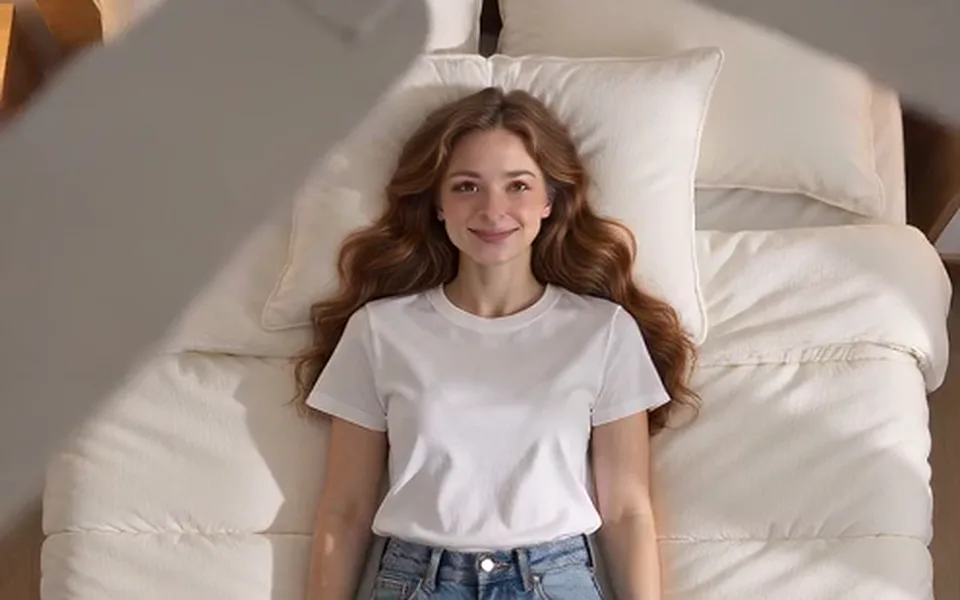
A clear photo with your face visible. The outfit in it does not matter: the effect changes it on purpose.
It opens on Seedance 2.0 Mini at 720p, 5 seconds, 9:16. Pick another length or model and the button shows the price.
The provider quotes up to about 5 minutes. The MP4 comes with an original pop beat and a whoosh on each blade.
What you get
A white fan turning slowly over the camera, its blades sweeping across the edges of the frame.
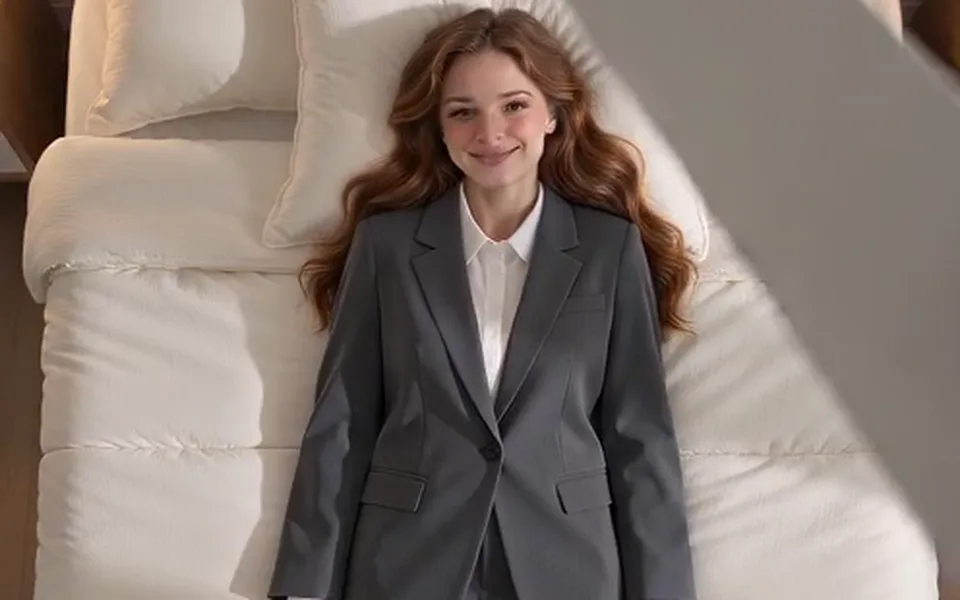
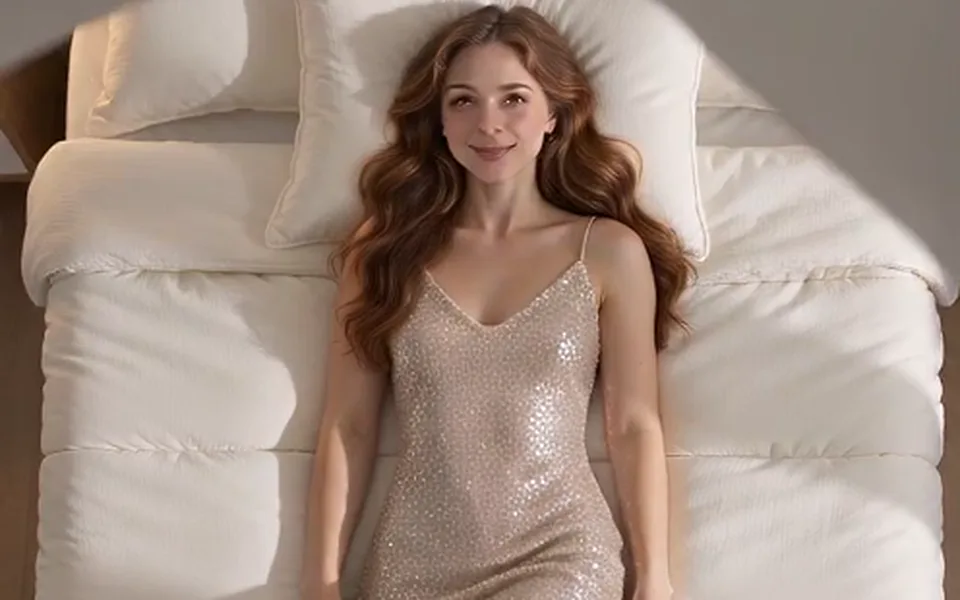
Everyday clothes, streetwear with a hoodie, a smart formal look, a sparkly party outfit, one per blade pass.
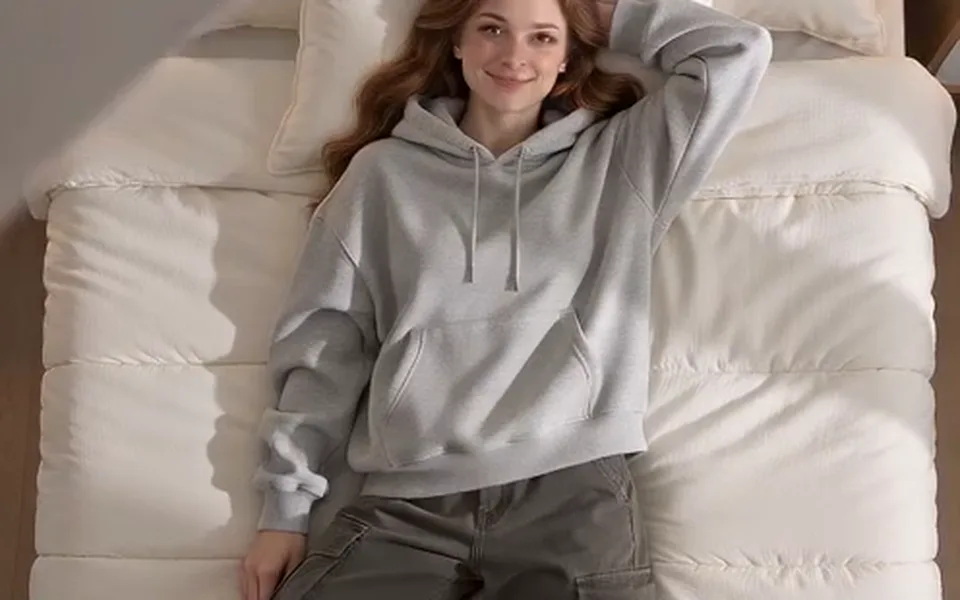
You lie on a neatly made bed, look up at the camera and change pose with each look.
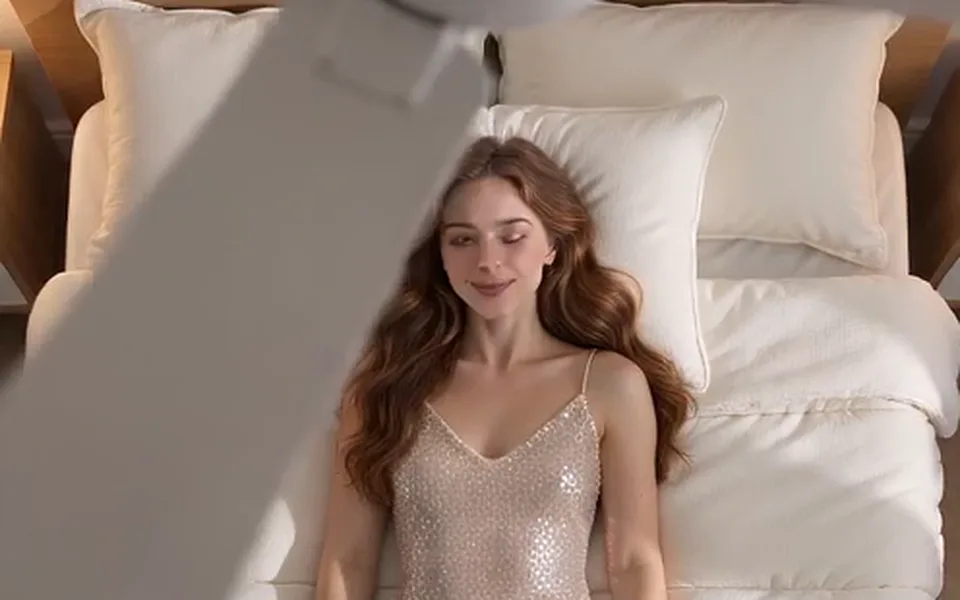
Only the clothes change; the face and hair stay those of your photo.
We made this test on 14 October 2026 from one AI-made woman’s photo, with the prompt the generator sends: Seedance 2.0 Mini, 480p, 5 seconds, 9:16. All four outfit changes came out in order, from a white T-shirt and jeans to a hoodie, a grey suit and a satin party dress, with her red hair the same throughout. The blades hide her face for a moment on each pass, as in the trend.
Seedance 2.0 Mini · 480p · 5 s · 9:16
By hand you need a fan, a phone fixed above the bed, four outfits and a cut on every blade pass in CapCut, and the result is really you in your clothes. The AI version takes one photo and a few minutes, but the outfits are the model’s, not your wardrobe, and the room is a generated bedroom, not yours. Pick the one that matches the post you want.
Made here
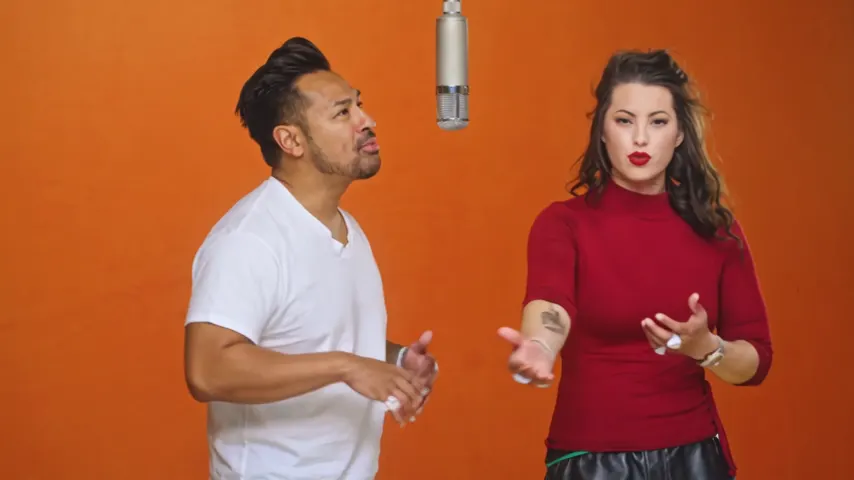
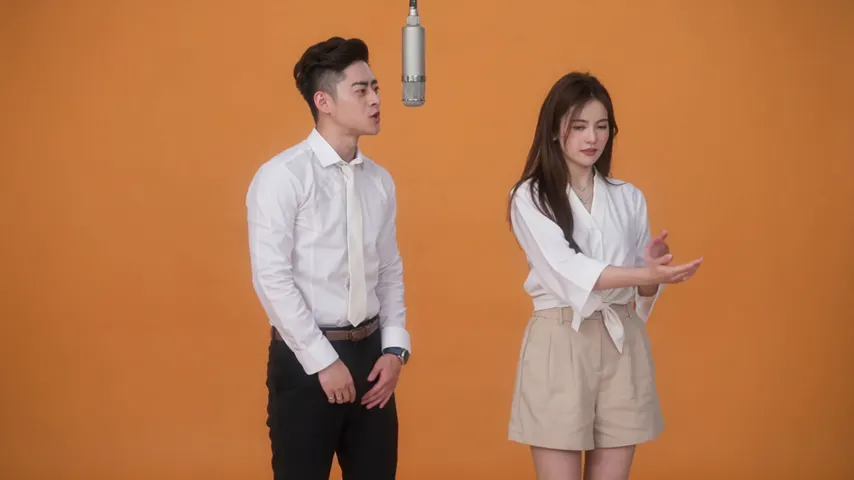
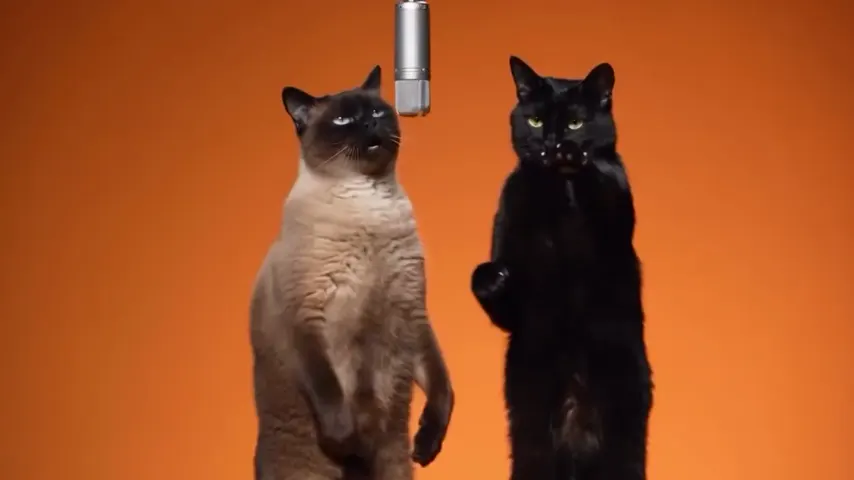
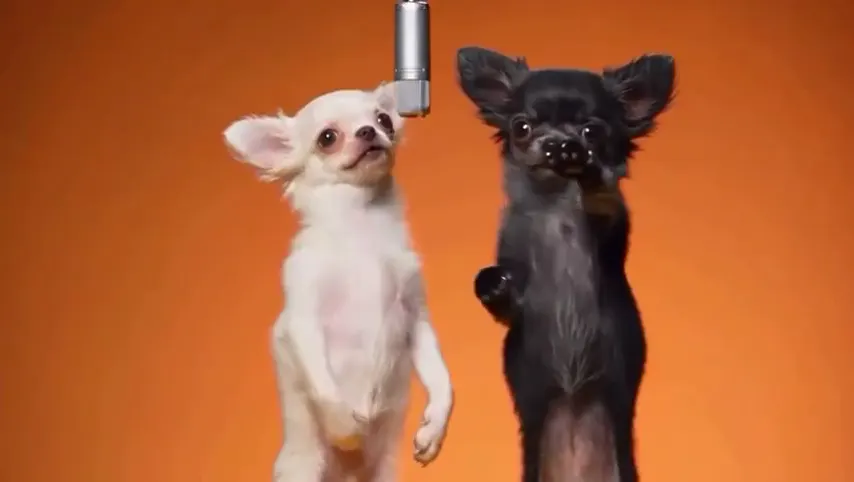
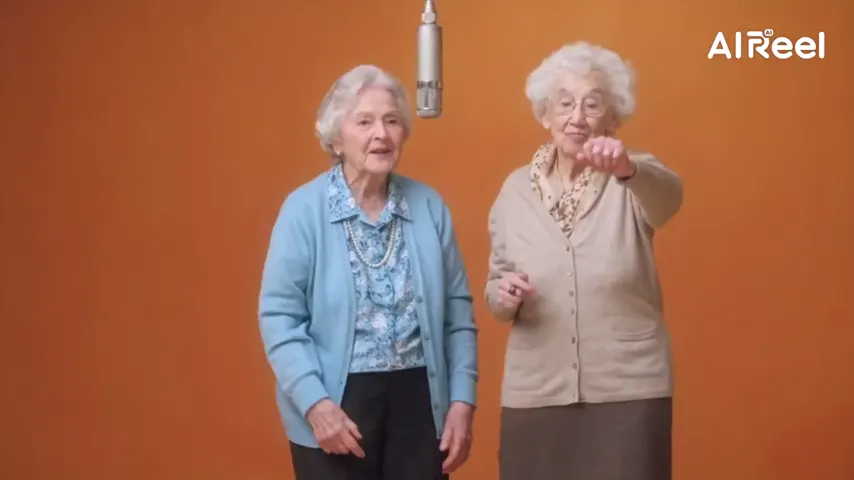
Two selected Wan 3.0 results from our generation workflow. Each rap duo video lists its settings and whether it was a product test or a website render. Play each clip with sound and review the whole performance; these examples do not establish a success rate.
Wan 3.0 · 480p · 10 s · 16:9
Wan 3.0 · 720p · 12 s · 16:9
From other creators
These clips illustrate the Hotel Lobby format and were made with other tools. They are references, not evidence of this generator’s output. Each links to its credited creator.
Add one photo, keep Fan Outfit Change selected and tap create. You get a top-down video of you under a spinning fan with four outfit changes.
No. The four looks are everyday, streetwear, formal and party, and the model designs them.
No. There is no free preview. 5 seconds cost 4 credits at 720p on Seedance 2.0 Mini. Credits are paid when you create; the smallest pack is 10 credits for $9.99, and a failed render is refunded automatically.
No. The fan, the bed and the top-down camera are generated from your photo.
It should not: the prompt keeps the same face and hair throughout, and in our test it did. The blades cover the face for a moment on each pass.
No. It comes with an original pop beat and a whoosh on each blade. Add the trend’s sound in TikTok if you want it.
Add one photo of you both and you lie side by side. We have not tested that version.
Spin the fan
One photo, four looks, one fan. The price is shown before you create.