
Hotel Lobby AI Filter: Is There One on TikTok or CapCut?
Short answer: we found no TikTok camera effect that puts you in the Hotel Lobby performance. What posts call the “Hotel Lobby AI filter” is one of two things: a CapCut template opened from a post (its label reads “Try this template”, and some creators write “Try this filter”), or an AI video tool that takes your photos and makes the clip. On 16 October 2026 we read the posts under #hotellobbyfilter; the ones that say how they were made point to CapCut templates or to AI video apps.
Below is what each one does and how to use it. On Hotel Lobby Video (rapaivideo.net) there is no filter to hunt for: you add two photos, or one photo of both people, and get the orange booth, the hanging mic and the original song in the MP4. There is no free preview.
Updated
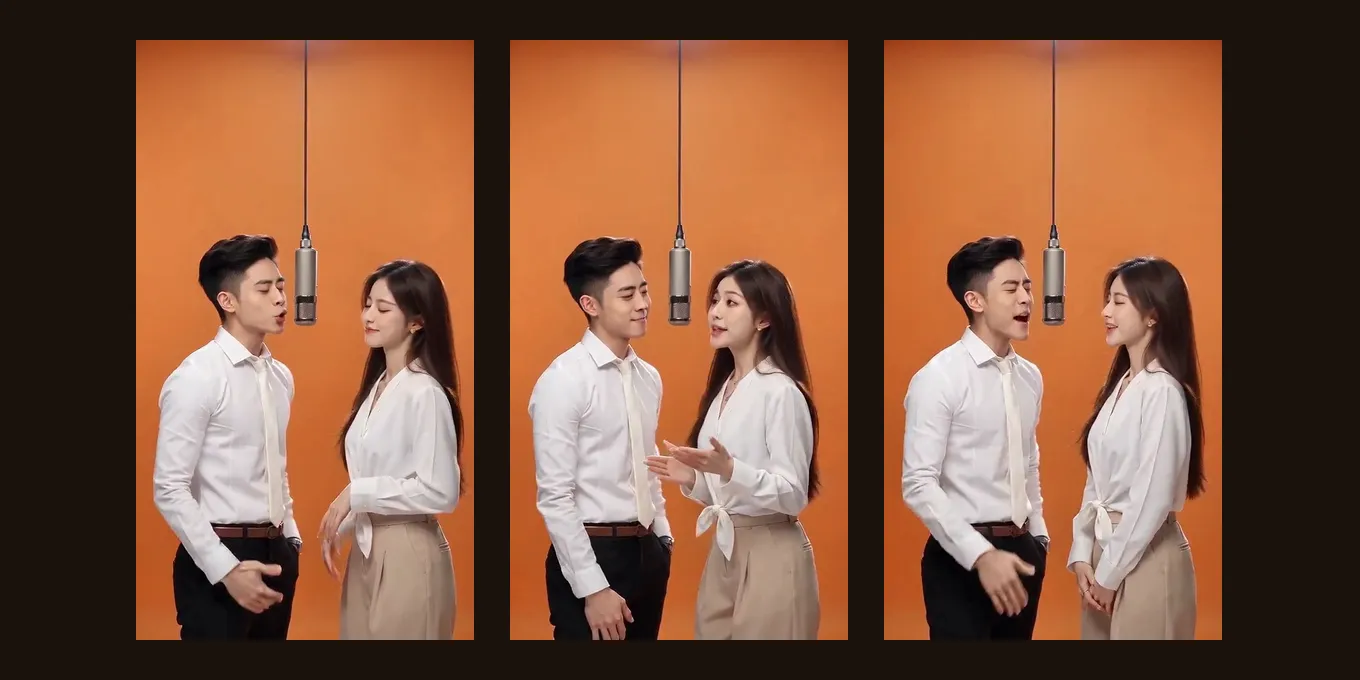
HOTEL LOBBY AI · FILTER
?
Is there a filter?
- CapCut template
- Two photos
- No filter
What the Hotel Lobby AI filter really is
| What people call the filter | What you add | What you get | Cost |
|---|---|---|---|
| A CapCut template from a TikTok post | The photo or clip each slot asks for, often one | That template’s own edit; many “Hotel Lobby” templates are music or speed edits, not the AI performance | Shown in CapCut before you export |
| An AI video tool (this site, Dreamina and others) | Two photos, or one photo of both | A new clip of your two people in the orange booth | Credits; each tool lists its price |
| Motion transfer (Higgsfield, Kling) | The original clip and your photos | The original moves with your faces swapped in; you set it up | That app’s credits, plus retries |
Part of the confusion is the name: Dreamina, CapCut’s AI video site, calls its own page the Hotel Lobby AI filter. It is an AI video page that makes a clip from photos, not an effect in the TikTok camera.
Two cats in the orange booth, one of the most watched Hotel Lobby AI posts (6.1M views on TikTok by 16 Oct 2026).by @therealmeowfia · Watch on TikTok Two friends swapped into the booth with AI: the version most people want to make.by @derriawhite · Watch on TikTok
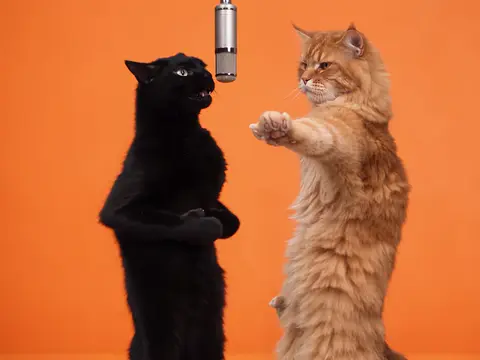
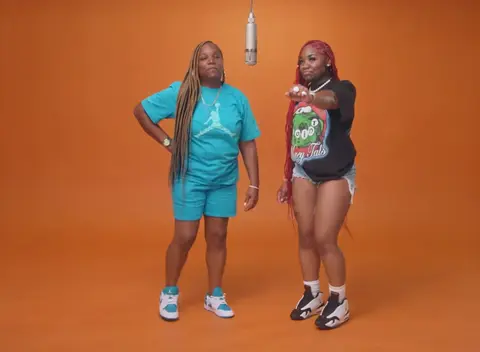
TikTok posts by other creators, shown with credit and linked to the original. Hover to play; sound starts off.
No filter needed
Make the Hotel Lobby AI video here
Two photos, or one of both of you. The button shows the credits before you create.
Your two performers
A clear, well-lit photo works best. Two photos put two people side by side.
Choose the stage
Video settings
What should they rap about?
Ready in about 3 minutes; failed generations return your credits. View pricing
How to use the Hotel Lobby AI filter from a TikTok post
- Open a Hotel Lobby post with a CapCut label above the caption: “CapCut · Try this template”.
- Tap the label. TikTok sends you to the template in CapCut; install CapCut first if you do not have it.
- Tap Use template and add the photo or clip each slot asks for.
- Export and post. If the template has no Hotel Lobby song, pick it from TikTok’s sound library when you post.
No label on the post? Open the creator’s profile and open the post again, or search Templates for “Hotel Lobby” in CapCut. Creators remove templates too. Our Hotel Lobby CapCut template guide lists what the templates on CapCut actually do.
The two-photo way, with no filter to find
- Pick one clear photo of each person, faces visible, full length if you have it. One photo of both of you works too.
- Open the Hotel Lobby AI page or the generator below. It starts on Wan 3.0 at 480p, 12 seconds.
- Tap create. The button shows the price first: 6 credits for 12 seconds at 480p.
- Wait about 5 to 15 minutes, then download the MP4. It has the original Hotel Lobby song in it and no watermark.
A template pastes a face onto a fixed edit. This way re-shoots the whole performance with your two people: each keeps their own face, hair and clothes, the person on the left performs at the mic and the one on the right hypes, as in the original.
Can you do the Hotel Lobby trend without a filter?
Yes, and some of the most liked versions do. People film it for real: an orange wall or a sheet, a lamp or anything hanging in the middle as the mic, two people and the song. On October 1, 2026 Quavo and Victoria Monét re-shot the booth themselves and captioned it “No AI” (Revolt).
A clip you film this way can also drive the AI version: upload it as Your clip, and your two photos copy its moves in the orange booth. See Hotel Lobby AI with your own dance video.
No AI at all: two friends film the routine under hanging lamps.by @hannahcrafttt · Watch on TikTok Filmed at home with a pink “mic” hung from the ceiling, no filter.by @fairyglam_motherr · Watch on TikTok
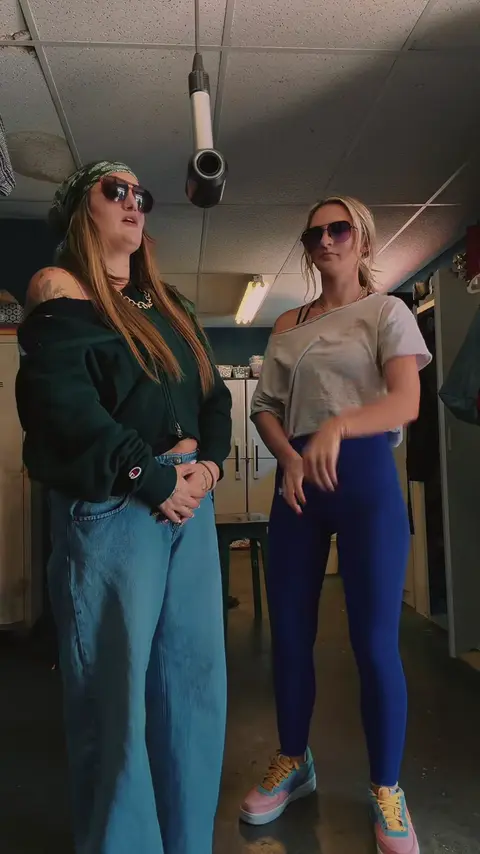
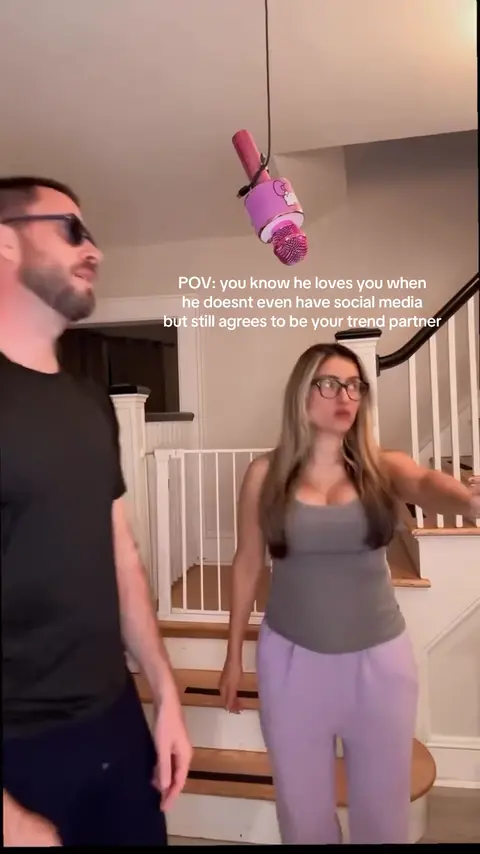
TikTok posts by other creators, shown with credit and linked to the original. Hover to play; sound starts off.
Before you post
- Turn on TikTok’s AI-generated label. TikTok asks creators to label realistic AI content and does not allow AI content showing anyone under 18, or adults who are private people without their permission (TikTok).
- Only use photos of people who agreed to be in it.
- Pets work: put the animal’s photo in one slot. We have tested a dog next to a person; cats are not tested yet.
- Post in 9:16 for TikTok and Reels; the generator offers 9:16.
FAQ
Is there a Hotel Lobby filter on TikTok?
We found no TikTok camera effect for it on 16 October 2026. Posts that say “filter” link a CapCut template or were made in an AI video tool.
What app has the Hotel Lobby AI filter?
CapCut has templates people call the filter, and AI video tools make the full performance. Hotel Lobby Video (rapaivideo.net) works in the phone’s browser with no app: two photos, the original song in the MP4, 6 credits for 12 seconds at 480p.
Is the Hotel Lobby AI filter free?
Opening a CapCut template is free; AI versions cost credits on most tools. Hotel Lobby Video (rapaivideo.net) has no free video or free preview: every video is paid with credits when it is created, and a failed render is refunded.
Why can’t I find the Hotel Lobby template?
Templates are linked from posts, not listed as a camera effect, and creators remove some of them. Open a post with the CapCut label, or search Templates for “Hotel Lobby” in CapCut.
Does the Hotel Lobby AI filter keep the original song?
A template keeps whatever sound its maker added. Here, the default video on Wan 3.0 has the original Hotel Lobby song in the downloaded MP4 (original song).
Sources
Read next
Hotel Lobby CapCut Template: What Exists and What Works
The Hotel Lobby CapCut templates that exist on CapCut’s site, how a template works, where CapCut points for the AI version, and when a two-photo generator fits better
Hotel Lobby AI Apps: What Each One Makes (2026)
Hotel Lobby AI apps sorted by what they make, from their own pages: face swaps on the original clip, re-shoots of the routine, AI-song studios, prompt tools and phone app events
Hotel Lobby AI Free: What Is Really Free for the Trend
What is actually free for the Hotel Lobby AI trend, tool by tool and app by app, checked on their own pages: free credits, watermarks, limits and prices
Hotel Lobby Video is an independent tool, not affiliated with Quavo, Takeoff, Migos, Quality Control Music, Motown or COLORS.