
Does TikTok Allow AI Videos? Yes, With the AI Label
Yes. TikTok allows AI-generated videos, but its Community Guidelines require creators to label AI-generated or heavily edited content that shows realistic-looking people or scenes. Unlabeled content “may be removed, restricted, or labeled” by TikTok’s team, and a label does not make harmful content acceptable.
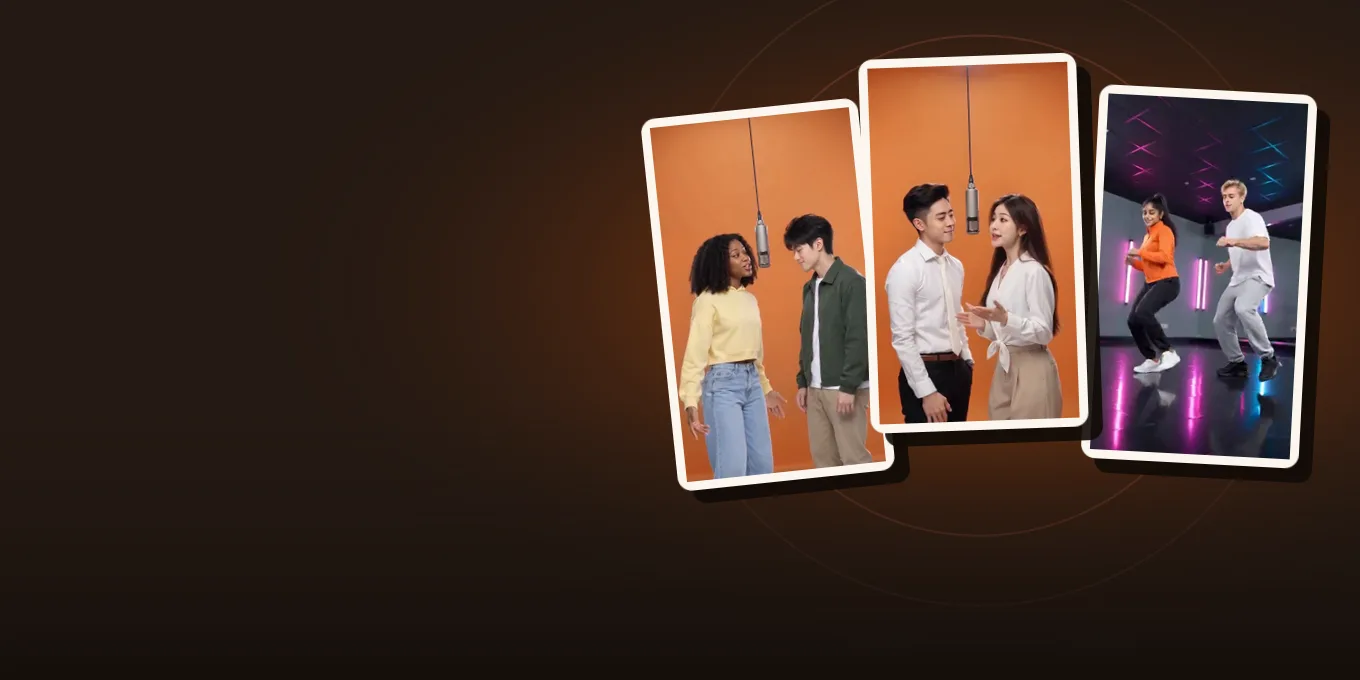
A photo-to-video clip of you and a friend rapping looks real, so it needs the label. The switch is called AI-generated content and sits in the post screen’s More options before you publish. Below: what counts, where the switch is, what is banned anyway, and whether the label costs views.
Updated
TIKTOK · AI RULES
Label it, then post
- What needs a label
- The switch
- What stays banned
Does my video need the label?
| Your video | Label? | Why |
|---|---|---|
| You and a friend rapping, made from photos | Yes | Realistic people, made by AI |
| Your pet standing up and dancing | Yes, to be safe | A realistic-looking scene that did not happen |
| A cartoon or anime-style clip | Usually no | Not realistic-looking |
| A real video with color correction or a crop | No | Not generated or heavily edited |
| A real video with an AI voice of a real person | Yes | Realistic audio of someone who did not say it |
The rule in TikTok’s words is in its Community Guidelines, Integrity and Authenticity. Read it as: if a viewer could mistake it for real, label it.
Turn on AI-generated content before you post
- Upload the video and add your caption as usual.
- On the post screen, open More options.
- Switch on AI-generated content.
- Post. The video shows a “Creator labeled as AI-generated” tag.
Menu names move between app versions, so if you do not see More options, look in the post settings next to the privacy and comment switches. This screen recording shows the switch:
A screen recording of the AI-generated content switch in the TikTok appby App Tutor · Watch on YouTube
Clips by other creators. Press play to watch here; the player comes from the platform the clip was posted on.
Banned even with a label
- AI content of anyone under 18, and of adults who are private people without their permission.
- Content that misleads on matters of public importance, such as a fake event or a public figure endorsing something they never did.
- Sexual content and AI likenesses made to bully or harass.
- Everything the Community Guidelines ban anyway, made with AI or not.
In practice: ask your friend before you post them, keep kids out of public AI posts, and leave celebrities and politicians alone.
Will the label cost you views?
TikTok says the label does not change how a video is distributed, as long as the video follows the guidelines. We have no reach data of our own to add. TikTok may also add its own label: it reads Content Credentials (C2PA data) that some AI tools write into their files, and labels its own AI effects. A file without that data is not auto-labeled, which is why the switch is on you.
Before you post a Hotel Lobby or Bulin 47 video
- Use photos of people who said yes. On Hotel Lobby Video the terms ask the same.
- Pick 9:16 under Video settings so it fills the TikTok screen; Bulin 47 and Burning Bridges are always 9:16.
- The Hotel Lobby, Bulin 47 and Burning Bridges clips carry their original sound in the MP4. If TikTok mutes a post, pick the official sound from its library.
- Turn on AI-generated content.
A summary of TikTok’s published rules, read on 19 October 2026, not legal advice. TikTok updates them; check the current page before relying on a detail.
FAQ
Does TikTok allow AI-generated videos?
Yes. Realistic AI people and scenes must carry the AI-generated content label, and some AI content is not allowed even with it.
How do I label a video as AI on TikTok?
On the post screen, open More options and switch on AI-generated content before you post.
Does the AI label reduce views?
TikTok says it does not affect distribution for videos that follow the Community Guidelines.
What if I do not label an AI video?
TikTok says unlabeled AI content may be removed, restricted or labeled by its team.
Can I post an AI video of my kid on TikTok?
No. TikTok does not allow AI-generated content showing anyone under 18. Keep those videos to family chats.
Can I post an AI video of a friend?
With their permission and the label on. AI content of a private adult without permission is not allowed.
Sources
Read next
Does Instagram Allow AI Videos? How to Add the AI Label
Instagram allows AI videos: Meta requires a label on photorealistic AI video and realistic AI audio, the Add AI label toggle for Reels, posts and Stories, automatic labels, and penalties
How to Make Funny AI Videos of Your Friends (Ask First)
Making funny AI videos of friends from photos on Hotel Lobby Video: twelve ideas with what each needs and costs, the steps, photos that make the joke work, and getting a yes first
Hotel Lobby Video is an independent tool, not affiliated with Quavo, Takeoff, Migos, Quality Control Music, Motown or COLORS.